The Lightning Blue PM Series

Run projects with confidence — a practical three-book series.

From mastering the Microsoft tools you already have, to putting AI to work, to reading the warning signs before they blow up. Start free with our Teams & Outlook toolkit.

Plain UK English APM-aligned approach No MS Project required
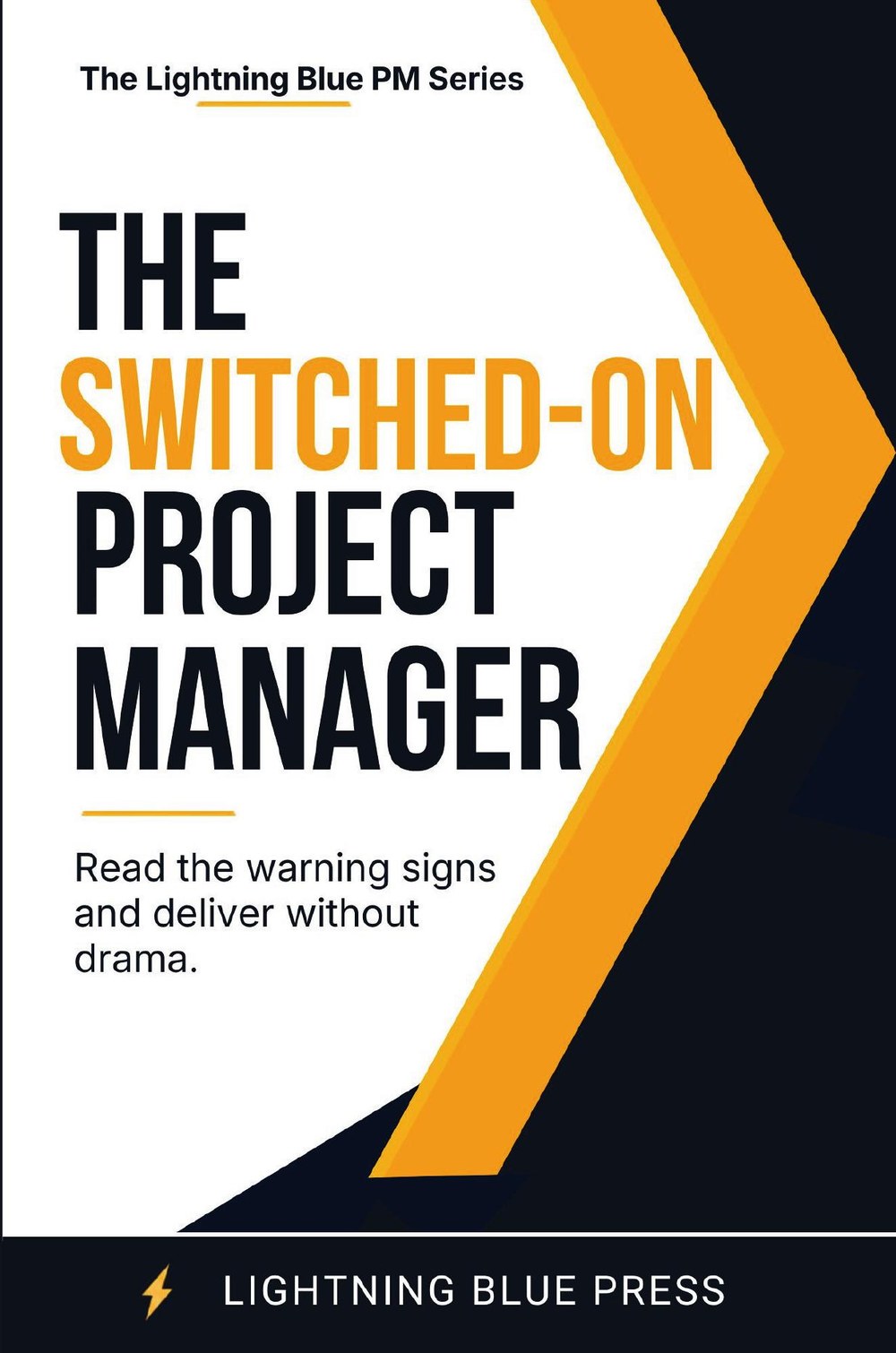
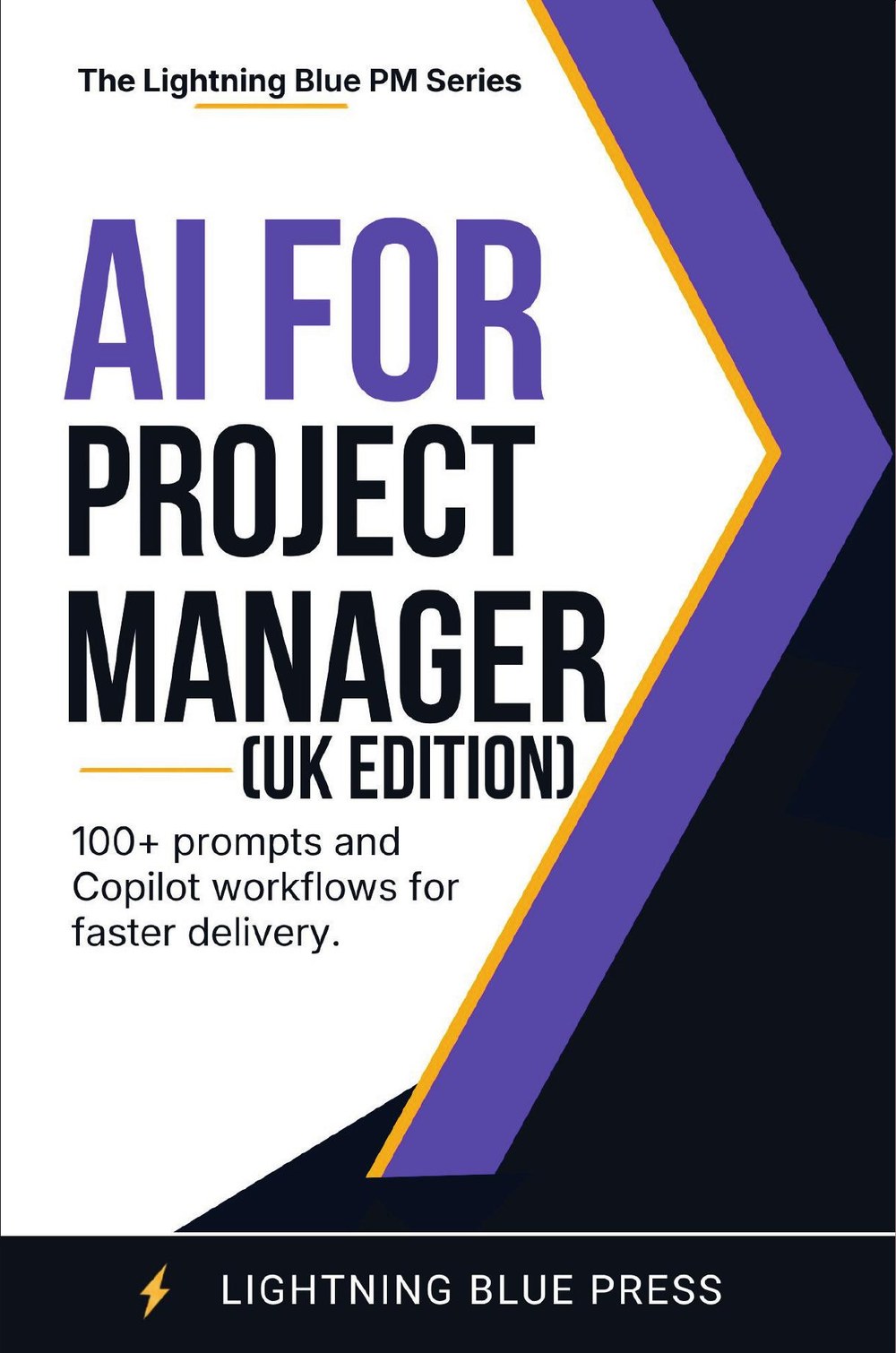
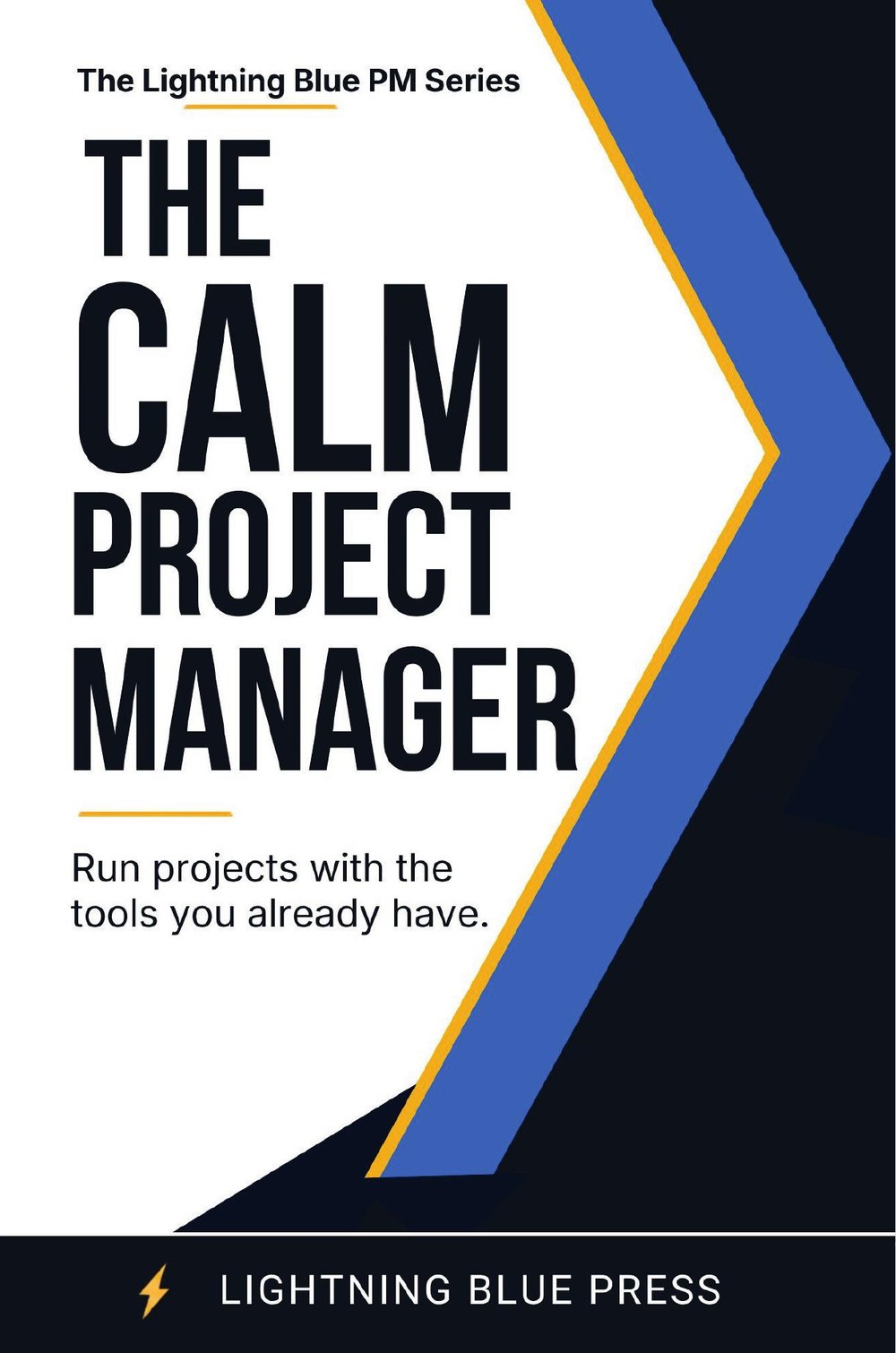
AI for Project Managers book cover The Calm Project Manager book cover The Switched-On Project Manager book cover

Three books · coming soon in paperback & Kindle

The series

Three books. One practical approach.

Tool-grounded, UK-focused guides for project managers who want to get more done with less drama.

The Calm Project Manager book cover Coming soon

The Calm Project Manager

Run projects with confidence using Outlook, Teams, Planner and Copilot — no Microsoft Project required.

AI for Project Managers book cover Coming soon

AI for Project Managers (UK Edition)

100+ APM-aligned prompts and Copilot workflows for faster delivery.

The Switched-On Project Manager book cover Coming soon

The Switched-On Project Manager

Read the warning signs and deliver without the drama — the judgement the tools don't teach.

Be first to know when each book lands

We'll email you the moment it's live — often with a launch-week discount.

Free download

The Teams & Outlook Toolkit for Project Managers

A free, practical companion to the series. Get the templates and shortcuts that turn Outlook and Teams into a proper project-control system.

  • Ready-to-use Outlook categories & rules for project tracking
  • A Teams channel structure that keeps every project tidy
  • Planner board template with a sensible status workflow
  • Copilot prompt cheat-sheet for faster status updates

Send me the free toolkit

Enter your details and we'll email it straight over.

No spam. Unsubscribe any time. We'll occasionally send book news and offers. See our privacy notice.

The approach

Most project tools are overkill. You already have what you need.

If you've ever felt that Microsoft Project is too heavy and spreadsheets are too fragile, this series is for you. Run real projects with the everyday Microsoft 365 tools already on your desk.

📥

Outlook as mission control

Turn your inbox and calendar into a tracking system — categories, rules and follow-ups that stop things slipping.

👥

Teams without the chaos

A simple channel and file structure so every project has one tidy home and nothing gets lost in chat.

📋

Planner that people use

Lightweight boards your team will actually keep up to date, with a status flow that mirrors how work really moves.

🤖

Copilot that saves hours

Practical prompts for status reports, meeting notes and risk logs — drafted in seconds, not evenings.

🇬🇧

UK & APM-aligned

Written in plain UK English, grounded in the way UK project managers actually work and report.

🧘

Calmer delivery

Fewer fire drills, clearer reporting, and projects that run without you being in every detail.

Look inside the toolkit

A taste of the free toolkit

Here's a genuinely useful starting point you can try today — the five-minute Outlook setup that underpins the whole system.

Get the full toolkit free →

The 5-minute Outlook project setup

  1. Create a colour category per live project so every email is taggable at a glance.
  2. Add a rule that auto-categorises mail from each project's key people.
  3. Use a single "Action" flag for anything that needs you — that's your live to-do list.
  4. Block two daily "project sweeps" in the calendar so tracking never piles up.
  5. End each week by clearing flags — your status report writes itself.
Early reader feedback

What readers are saying

★★★★★

"I stopped fighting Microsoft Project and just used what I had. My reporting takes half the time now."

RP
Reader name
Project Manager
★★★★★

"The Copilot prompts alone were worth it. Status updates that used to take an hour now take five minutes."

SJ
Reader name
Delivery Lead
★★★★★

"Plain English, no jargon, and everything works with the tools we already pay for. Exactly what I needed."

MA
Reader name
PMO Analyst
About

Lightning Blue Press

We publish practical, no-nonsense guides for working project managers — books grounded in the everyday tools you already use, written in plain UK English.

Every title is built on one idea: you don't need more software to deliver better projects. You need a clearer way to use what you've got.

What you get from every book

  • Step-by-step methods you can use the same day
  • Templates and checklists, not theory
  • UK and APM-aligned language
  • Honest, plain-English writing
FAQ

Common questions

Do I need Microsoft Project to use these books?

No — that's the whole point. Everything runs on Outlook, Teams, Planner and Copilot, which most organisations already have through Microsoft 365.

Is the free toolkit really free?

Yes. Pop in your name and email and we'll send it over. We'll occasionally email book news and offers, and you can unsubscribe any time with one click.

When can I buy the books?

The series is coming soon to Amazon in paperback and Kindle, starting with The Calm Project Manager. Grab the free toolkit or join the list and we'll email you the moment each one is live — usually with a launch-week discount.

Are these suitable for new project managers?

Absolutely. They're written for anyone who has to run projects — whether that's your job title or just something that's landed on your plate.

In what order should I read them?

Each book stands on its own, so start wherever your biggest need is. Many readers begin with The Calm Project Manager for the foundations, then add AI and the judgement skills from the other two.
Start running calmer projects this week

Grab the free Teams & Outlook toolkit, and be first to know as each book lands.